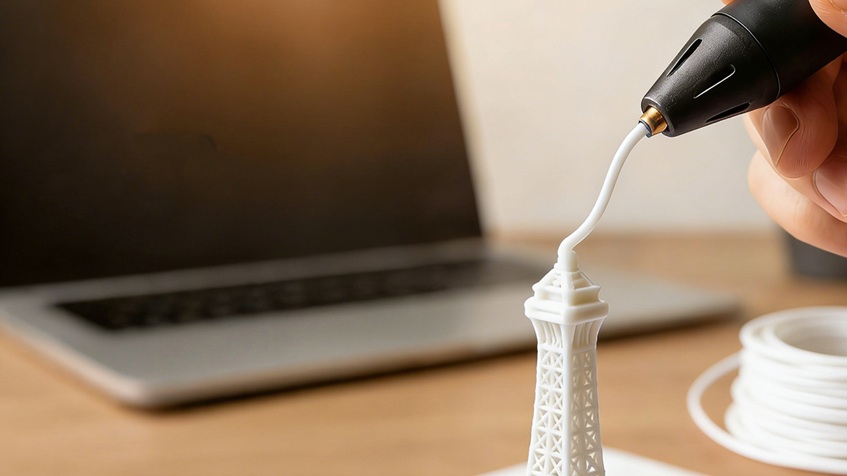

3D printing pens take the familiar act of sketching and give it an extra dimension. You can use one to create raised designs, small models, decorative pieces, and imaginative projects that go beyond the page. Before choosing a pen, consider how it works, which materials it uses, and what features will make your creative sessions easier. So, what should you look for when comparing different models?
How Does a 3D Drawing Pen Work?
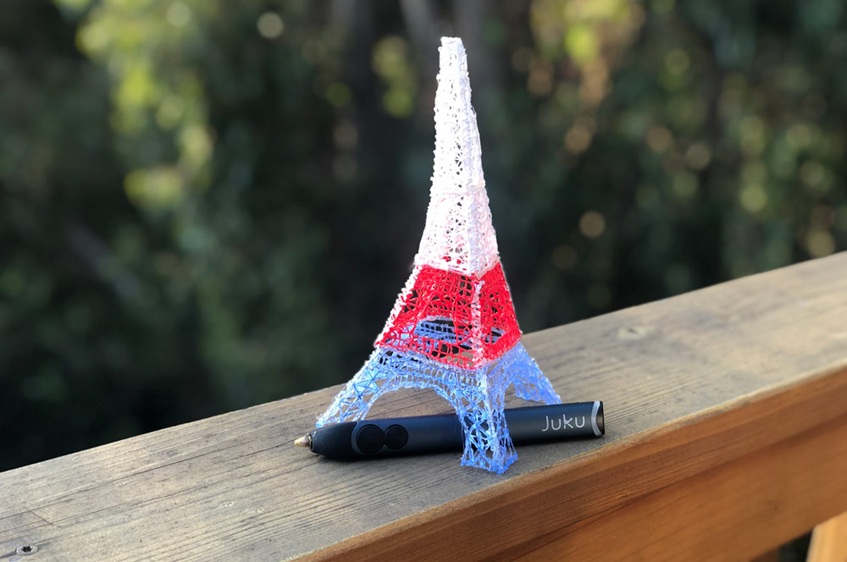
A hands-on 3D drawing pen works a little like a handheld 3D printer. It feeds filament through a heated nozzle, allowing you to draw with a thin strand of material that cools and solidifies as you work. Instead of creating an object layer by layer inside a machine, you guide the pen yourself.
That hands-on approach gives you plenty of creative freedom. You can draw lines on a flat surface, build up shapes, or connect separate pieces to create a small structure. It also means that your results depend on practice, patience, and how comfortable you feel controlling the pen.
Think about the kind of projects you want to make before you buy one. If you’re interested in simple decorations or creative activities, a straightforward model may be enough. If you want to experiment with more detailed designs, look for a pen with controls that give you greater flexibility.
Check Filament Compatibility and Material Options
Filament is the material that feeds through the pen, so compatibility should be one of your first checks. Different pens support different types of filament, and you’ll need to use materials approved for your particular model.
Product descriptions may mention materials such as PLA or PCL. These filaments have different properties and may require different operating conditions, so don’t assume one type will work in every pen. Check the manufacturer’s specifications before buying filament, especially if you’re comparing a pen with supplies you already have.
Also consider how easy it will be to find compatible refills. A pen may look appealing at first, but your creative plans could stall if its filament is difficult to source. Before making a choice, check:
- Which filament types the pen supports.
- Whether filament is included with the pen.
- What colours and refill options are available.
- Whether the manufacturer provides clear compatibility information.
If you’re buying your first pen, a model that comes with compatible filament can make it easier to get started. You can try a few simple projects before deciding which colours or materials you’d like to explore next.
Compare Temperature and Speed Settings
Temperature and feed speed affect how filament moves through the pen and how it behaves as you draw. Some models offer adjustable settings, while others keep the controls simple. The right option depends on your experience and the type of projects you have in mind.
A beginner may appreciate a clear, easy-to-understand control layout. Too many unfamiliar settings can make a new creative hobby feel more complicated than it needs to be. If you already have experience with 3D printing or similar crafts, you may prefer a model that offers more control over the filament feeds.
Check how the pen displays its settings, too. A clear display or straightforward controls can help you understand what the device is doing without interrupting your project to decipher a confusing interface.
Because these pens use heated components, read the manufacturer’s safety instructions before use. Look for clear guidance about operation, handling, and storage, and follow the instructions for the specific model you choose.
Look for Comfortable Handling and Useful Features
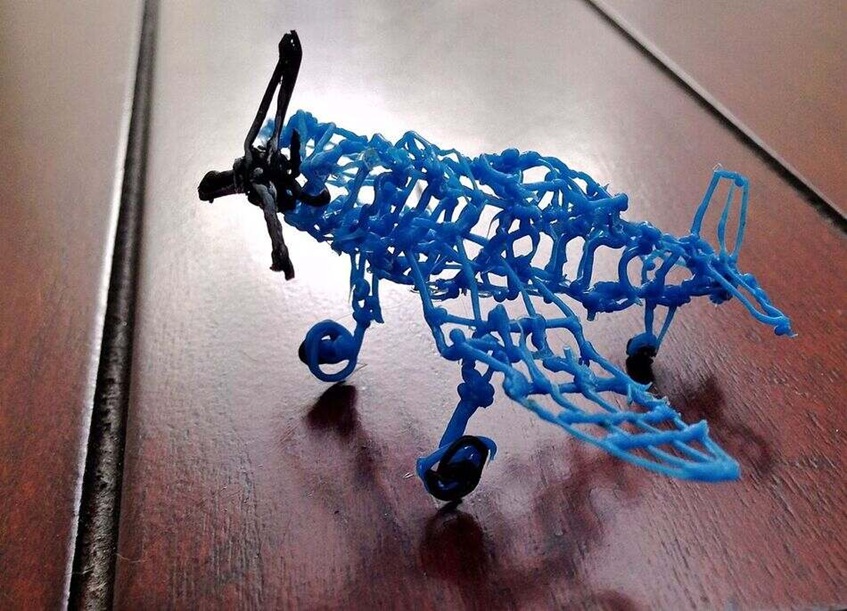
A pen should feel manageable in your hand, especially if you plan to spend time drawing detailed shapes. Check its weight, grip, and overall design. If possible, hold the pen before buying it, or look closely at product photographs and descriptions to get a sense of its size and shape.
The controls should also be easy to reach while you work. Depending on the model, useful features may include a display, simple feed controls, or a design that makes filament changes more straightforward. Focus on features that will genuinely help with your projects rather than choosing a pen simply because it has the longest list of extras.
Power arrangements are worth checking as well. Some pens connect to a power supply, while others may use a different setup. Make sure you understand what the product includes and what you’ll need to provide separately.
Check Included Accessories and Creative Possibilities
The accessories included with a pen can affect how much you can do straight out of the box. Some packages may include filament or project aids such as stencils, while others may focus on the pen itself. Check the product listing carefully so you know what comes in the package and what you may need to buy separately.
Stencils can be useful when you’re learning to control the pen or want to create consistent shapes. Once you feel more confident, you can experiment with your own designs, from personalised decorations to small sculptures and simple models.
It’s also worth considering where you’ll work and store your supplies. A tidy, suitable workspace can help keep your project materials organised, while a dedicated storage spot makes it easier to keep the pen and its accessories together between creative sessions.
When comparing 3D printing pens, think about the experience you want as much as the finished object. A simple model may suit casual crafting, while adjustable controls or extra accessories could appeal if you expect to experiment with different designs. The best choice is one that fits your interests, feels manageable to use, and supports the materials you can readily access.